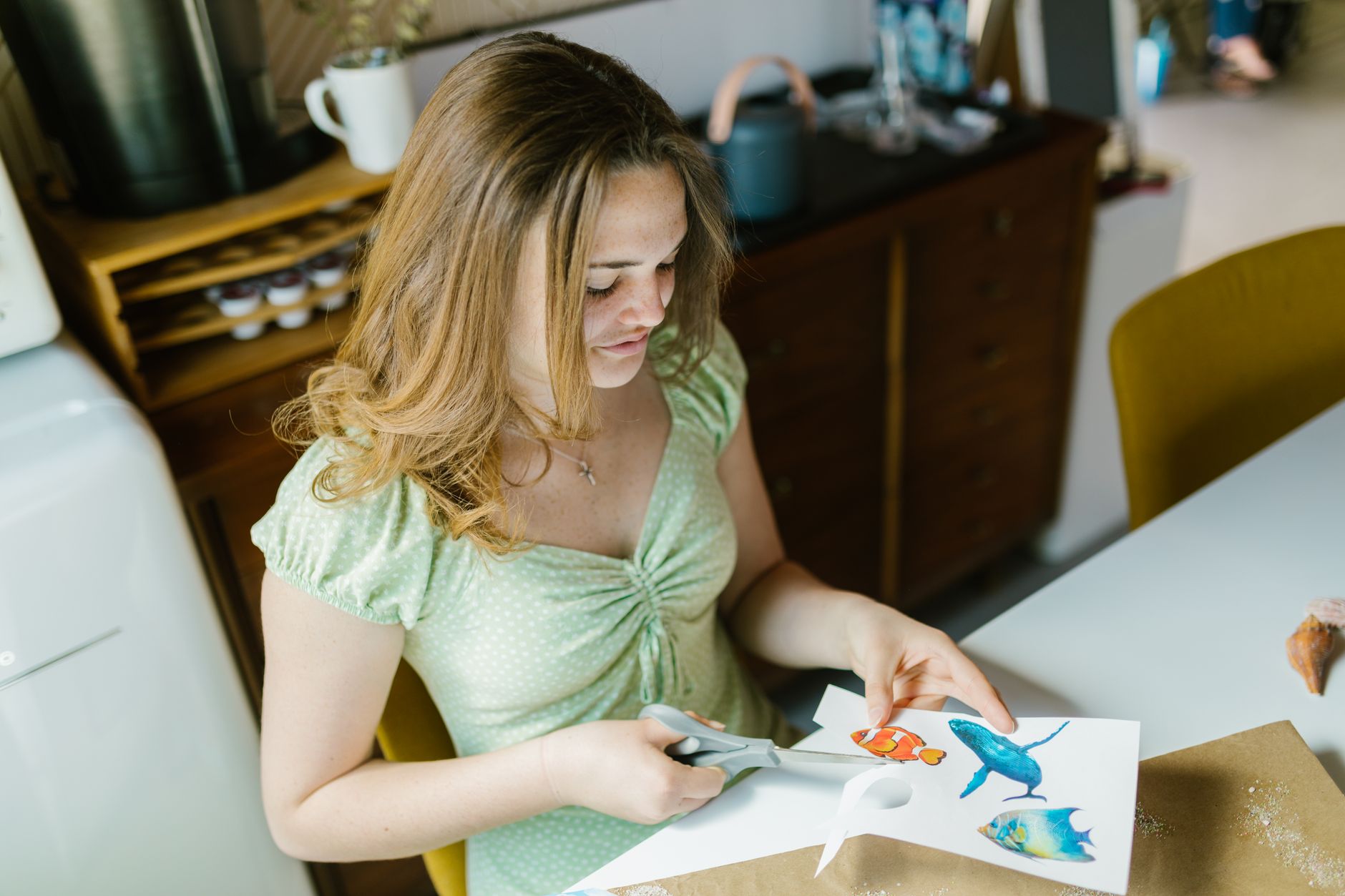
Find the Best Craft Cutting Machine for Your Creative Vision
best craft cutting machine

Find the Best Craft Cutting Machine for Your Creative Vision

Unlock endless creative possibilities with the perfect cutting machine tailored to your crafting needs and skill level.

Start Crafting Now

Key Takeaways

  • ✓ Craft cutting machines precisely cut various materials like vinyl, paper, fabric, and more.
  • ✓ Key factors for choosing include material compatibility, cutting force, software ease of use, and budget.
  • ✓ Popular brands include Cricut, Silhouette, and Brother, each with unique strengths.
  • ✓ These machines can create custom decals, apparel designs, cards, scrapbooking elements, and intricate decor.

How It Works

1
Design Your Project

Use the machine's proprietary software or compatible design programs to create or import your desired graphic. This digital design dictates what the machine will cut.

2
Prepare Your Material

Place your chosen material (e.g., vinyl, cardstock) onto a sticky cutting mat, ensuring it's smooth and secure. The mat holds the material in place during the cutting process.

3
Load and Calibrate

Load the cutting mat into the machine, making sure it's properly aligned. The machine will then perform a quick calibration to detect the material and prepare for cutting.

4
Cut and Weed

Send your design from the software to the machine, which then uses a tiny blade to precisely cut the material. After cutting, remove excess material (weeding) to reveal your finished design.

Understanding Your Needs: Choosing the Right Craft Cutting Machine
Close-up of a leather artisan at work using an industrial sewing machine. Photo: Anna Shvets / Pexels
Embarking on the journey to find the best craft cutting machine can feel overwhelming, given the array of options available today. However, by first understanding your specific crafting needs and aspirations, you can significantly narrow down your choices and make an informed decision. Are you primarily interested in intricate paper crafts, custom apparel, home decor, or perhaps a mix of everything? Your primary use case will dictate the features you should prioritize. For instance, if fabric cutting is a priority, you'll need a machine with a strong cutting force and specialized blades. If you're a beginner, ease of use and a robust online community for support might be more important than advanced features. Consider the types of materials you envision working with most frequently. Some machines excel at cutting delicate paper and vinyl, while others are robust enough for thicker materials like balsa wood, leather, or chipboard. The maximum cutting width and length are also crucial considerations. If you plan on creating large signs or banners, a machine with a wider cutting area will be essential. Conversely, for small, detailed projects like card embellishments, a compact machine might suffice. Don't forget to think about the software experience. Each brand has its own design software, and some are more intuitive or feature-rich than others. Look for software that offers a good balance of user-friendliness and advanced capabilities, allowing you to grow into your machine. Finally, set a realistic budget. Craft cutting machines range from entry-level models to professional-grade equipment, and understanding what you're willing to invest will help filter your options. Remember, the best craft cutting machine isn't necessarily the most expensive one; it's the one that best aligns with your creative vision and practical requirements. By taking the time to assess these factors upfront, you'll be well on your way to selecting a tool that truly enhances your crafting experience. Exploring various craft projects can also help solidify your machine choice.

Top Contenders: A Deep Dive into Leading Craft Cutting Machines
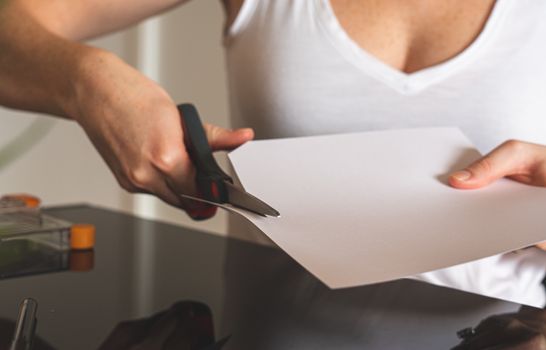
Close-up of a woman cutting white paper with scissors, highlighting precision and creativity in crafting. Photo: Castorly Stock / Pexels
When searching for the best craft cutting machine, three brands consistently rise to the top: Cricut, Silhouette, and Brother ScanNCut. Each offers a unique ecosystem of machines, software, and accessories, catering to different segments of the crafting community. Cricut, perhaps the most widely recognized name, is renowned for its user-friendly Design Space software and a wide array of machines like the Cricut Maker 3 and Cricut Explore 3. The Maker series, in particular, stands out for its versatility, capable of cutting over 300 materials, from delicate tissue paper to thicker materials like balsa wood and leather, thanks to its adaptive tool system. This makes it an excellent choice for crafters who dabble in multiple mediums. The Explore series offers a fantastic balance of power and affordability, perfect for vinyl, iron-on, cardstock, and bonded fabric projects. Cricut's machines are often praised for their robust build quality and extensive online community support. Silhouette, with its flagship Cameo 4 and Portrait 3, is another powerhouse in the craft cutting world. Silhouette Studio software is often lauded by advanced users for its powerful design capabilities, offering more control and customization options, which can be a significant advantage for those with graphic design experience. The Cameo 4 boasts impressive cutting force and the ability to use a rotary blade and kraft blade, expanding its material compatibility to fabric without a backing and thicker materials. The Portrait 3 is a more compact and budget-friendly option, ideal for smaller projects and limited workspaces. Silhouette machines are known for their precision and ability to cut intricate designs with remarkable accuracy. Brother ScanNCut machines, like the SDX225F, offer a distinct advantage with their built-in scanner. This feature allows crafters to scan drawings, photos, or fabric patterns and then cut them out precisely, eliminating the need for a computer for certain tasks. This is particularly appealing for quilters, stampers, and those who prefer to work directly with physical designs. ScanNCut machines are also known for their auto-blade technology, which automatically detects the material thickness and adjusts the blade pressure, simplifying the cutting process. While their software might have a steeper learning curve for some, the standalone functionality and scanning capabilities make them a unique and valuable option for specific crafting niches. Each of these brands offers compelling reasons to consider them the best craft cutting machine, depending on your individual priorities and project types. Understanding these core differences is key to making an informed decision that will serve your creative endeavors for years to come.

Maximizing Your Machine: Tips, Tricks, and Essential Accessories
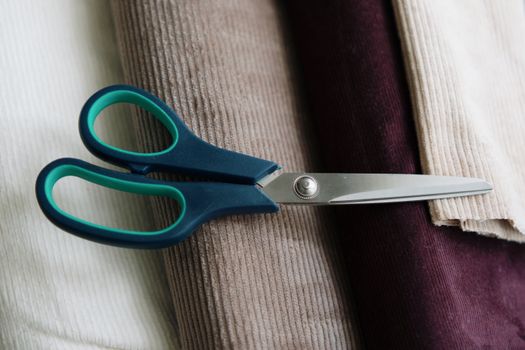
A pair of blue scissors placed on multi-colored corduroy fabric, perfect for sewing projects. Photo: Berna / Pexels
Once you've invested in the best craft cutting machine for your needs, the next step is to unlock its full potential. Mastering your machine involves a combination of understanding its capabilities, utilizing its software effectively, and investing in the right accessories. One of the most crucial tips is to always perform a test cut, especially when working with a new material or a complex design. This small step can save you from wasting expensive materials and hours of frustration. Adjusting blade depth, pressure, and multi-cut settings based on your material is an art form that comes with practice, and test cuts are your best teacher. Regularly clean your cutting mats and blades. Dull blades can lead to ragged cuts and material tearing, while dirty mats lose their stickiness, causing materials to shift during cutting. Invest in a good quality weeding tool set; these are indispensable for removing excess vinyl or intricate paper pieces from your designs. A scraper tool is also essential for applying vinyl smoothly and cleaning your mat. Explore the full range of accessories available for your chosen machine. Rotary blades, deep-cut blades, scoring wheels, and engraving tips can dramatically expand the types of projects you can undertake. For example, a rotary blade on a Cricut Maker allows you to cut unbacked fabric with incredible precision, opening up possibilities for sewing and quilting projects. Scoring wheels create crisp fold lines for cards and 3D paper crafts. Don't shy away from exploring third-party materials. While machine brands offer their own materials, many generic brands provide excellent quality at a lower price point, allowing you to experiment more freely. Join online crafting communities and forums specific to your machine. These communities are invaluable resources for troubleshooting, sharing project ideas, and learning new techniques. Many experienced crafters generously share their tips and tricks, helping you overcome challenges and discover creative applications you might not have considered. Remember, your craft cutting machine is a powerful tool, but its true potential is realized through continuous learning and experimentation. Embrace the learning curve, and you'll soon be creating stunning, professional-quality projects. For more inspiration, check out these creative craft ideas.

Common Mistakes to Avoid with Your Craft Cutting Machine
Organized clear and purple beads in a transparent container, ideal for crafting. Photo: Suki Lee / Pexels
Even with the best craft cutting machine, beginners often encounter a few common pitfalls that can hinder their creative flow. Being aware of these mistakes can help you avoid frustration and ensure a smoother crafting experience. One of the most frequent errors is not properly preparing your material on the cutting mat. If the material isn't firmly adhered or is wrinkled, it can shift during cutting, leading to ruined projects and wasted material. Always press your material down firmly, ensuring no air bubbles, especially with vinyl. Another common mistake is neglecting blade maintenance. A dull blade is the enemy of a clean cut. If your machine starts tearing material or leaving jagged edges, it's likely time to change your blade. Don't try to force a dull blade; it can damage your machine and your materials. Here are some other common mistakes and how to avoid them: * **Incorrect Material Settings:** Always double-check your material settings (blade depth, pressure, multi-cut) in the software before sending a project to your machine. What works for one brand of vinyl might not work for another. Perform test cuts! * **Forgetting to Mirror Designs:** When working with iron-on vinyl (HTV) or certain other materials, you must mirror your design in the software before cutting. Forgetting this step will result in a backward image when applied. * **Overloading the Mat:** Trying to fit too many designs onto one small piece of material or too close to the edge can lead to cutting errors and wasted material. Give your designs adequate spacing. * **Not Calibrating Regularly:** Machines can lose calibration over time, especially if moved. Periodically recalibrating your machine ensures accurate cuts, particularly for print-then-cut projects. * **Ignoring Software Updates:** Machine manufacturers frequently release software updates that include new features, bug fixes, and improved performance. Keep your software up to date to ensure optimal functionality. * **Rushing the Process:** Crafting with a cutting machine requires patience. Rushing through design, material prep, or cutting can lead to mistakes. Take your time, and enjoy the creative process.

Comparison

FeatureCricut Maker 3Silhouette Cameo 4Brother ScanNCut SDX225F
Max Cutting Width13 inches12 inches11.7 inches
Max Cutting SpeedUp to 2x faster than Maker 2Up to 3x faster than Cameo 3Up to 2x faster than SDX125
Material Compatibility300+ (incl. wood, leather)100+ (incl. fabric, leather)100+ (incl. fabric, felt)
Built-in Scanner
Adaptive Tool System
Software Ease of UseBeginner-friendlyAdvanced featuresIntermediate
Wireless ConnectivityBluetoothBluetoothWi-Fi & USB
Auto Blade AdjustmentSmart Set Dial (Explore), Auto-blade (Maker)Auto-detect (Cameo 4)Auto Blade Technology

What Readers Say

"The Cricut Maker 3 has been an absolute game-changer for my small business. I can cut custom decals and intricate card designs with incredible precision, saving me so much time. It truly is the best craft cutting machine for versatility."

Sarah J. · Austin, TX

"As a graphic designer, the Silhouette Cameo 4's powerful software and detailed cutting capabilities are exactly what I needed. It handles complex vectors beautifully and has elevated my custom apparel projects significantly."

Mark D. · Seattle, WA

"I bought the Brother ScanNCut SDX225F primarily for quilting, and the built-in scanner is a dream come true. I can scan my fabric patterns and cut them perfectly every time. My quilting projects look so professional now."

Emily R. · Orlando, FL

"The Cricut Explore 3 is fantastic for my card-making hobby, and it's super easy to use. I wish it could cut thicker materials like the Maker, but for vinyl and cardstock, it's definitely the best craft cutting machine for the price."

Jessica L. · Denver, CO

"I use my Silhouette Cameo 4 for prototyping product packaging, and the precision and speed are outstanding. It's a robust machine that stands up to heavy use, making it an invaluable tool for my workshop."

David P. · Chicago, IL

Frequently Asked Questions

What is the best craft cutting machine for beginners?

For beginners, the Cricut Explore 3 or Cricut Joy are often recommended due to their user-friendly Design Space software and straightforward operation. The Cricut Joy is particularly good for small, quick projects, while the Explore 3 offers more versatility for a wider range of materials.

Are craft cutting machines difficult to learn?

While there's a learning curve, most modern craft cutting machines are designed with user-friendliness in mind. Brands like Cricut offer extensive tutorials and a large online community. With a bit of practice and patience, you'll be creating intricate designs in no time.

How do I maintain my craft cutting machine?

Regular maintenance includes cleaning your cutting mats to restore stickiness, changing blades when they become dull, and keeping the machine free of dust and debris. Periodically check for software updates and calibrate your machine if you notice any cutting inaccuracies.

How much does a good craft cutting machine cost?

The cost of a craft cutting machine can vary widely, from around $100 for entry-level models like the Cricut Joy to $400-$500 for advanced machines like the Cricut Maker 3 or Silhouette Cameo 4. Consider your budget and desired features to find the best value.

What's the difference between Cricut and Silhouette?

Cricut is often praised for its intuitive software and ease of use, making it great for beginners and those who prefer a guided experience. Silhouette offers more advanced design capabilities in its software, appealing to users with graphic design experience or those who desire more control and customization.

Who should consider a Brother ScanNCut machine?

Brother ScanNCut machines are ideal for crafters who want the unique ability to scan designs directly into the machine, eliminating the need for a computer for certain projects. This feature is particularly beneficial for quilters, stampers, and those who work with physical patterns.

Are craft cutting machines safe to use?

Yes, when used as directed, craft cutting machines are very safe. The blades are typically enclosed, and safety features are built into the design. Always follow manufacturer instructions, keep fingers clear of moving parts, and supervise children if they are using the machine.

Will craft cutting machines become obsolete quickly?

While technology evolves, the core functionality of craft cutting machines remains consistent. Manufacturers regularly release software updates and new accessories, extending the life and capabilities of existing machines. A good quality machine will serve your crafting needs for many years.

Choosing the best craft cutting machine is a pivotal step in elevating your creative endeavors. By carefully considering your needs, exploring the top models, and embracing best practices, you'll find the perfect tool to bring your most imaginative projects to life. Start your crafting adventure today and unlock a world of possibilities!

Topics: best craft cutting machinevinyl cutterdie-cutting machineelectronic cutting toolcraft plotter
Leo List
Brampton weed
Adultwork EstrelaBet Vai de Bet R7 Bet Betão Galera Bet Rainbet Bet9ja Shop SportyBet BetKing Sisal Loto Foot Hollywoodbets YesPlay Odibets RushBet Jugabet BetWarrior BetCity MSport betPawa Fortebet